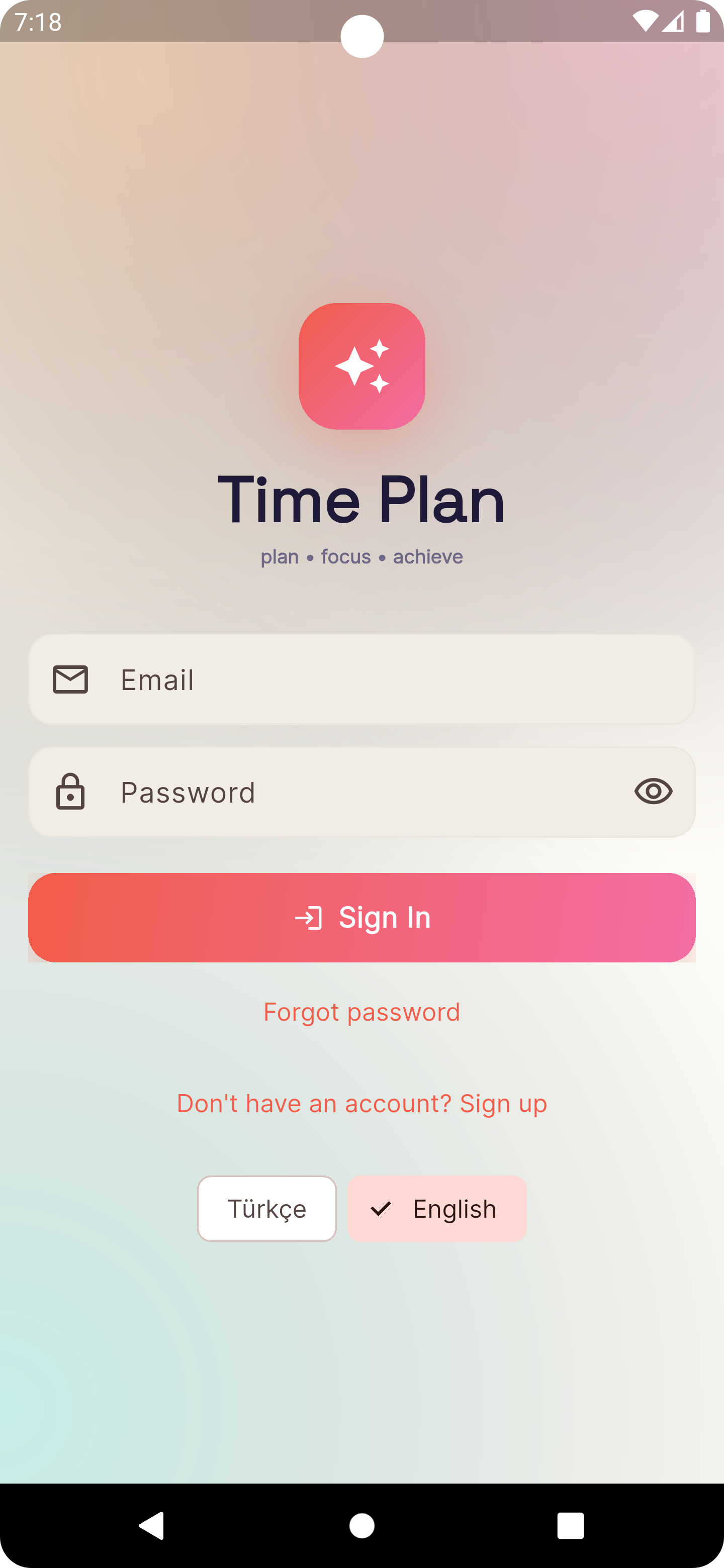
Welcome Back
Seamless authentication process with email and password for returning users.
Transactional email readiness for Amazon SES
Time Plan is an upcoming Android application backed by a workspace-based API. Email is used only for account, security, invitation, billing, and user-configured reminder workflows.
App Gallery
A closer look at our Android application designed for productivity, focus, and seamless task management.
Seamless authentication process with email and password for returning users.
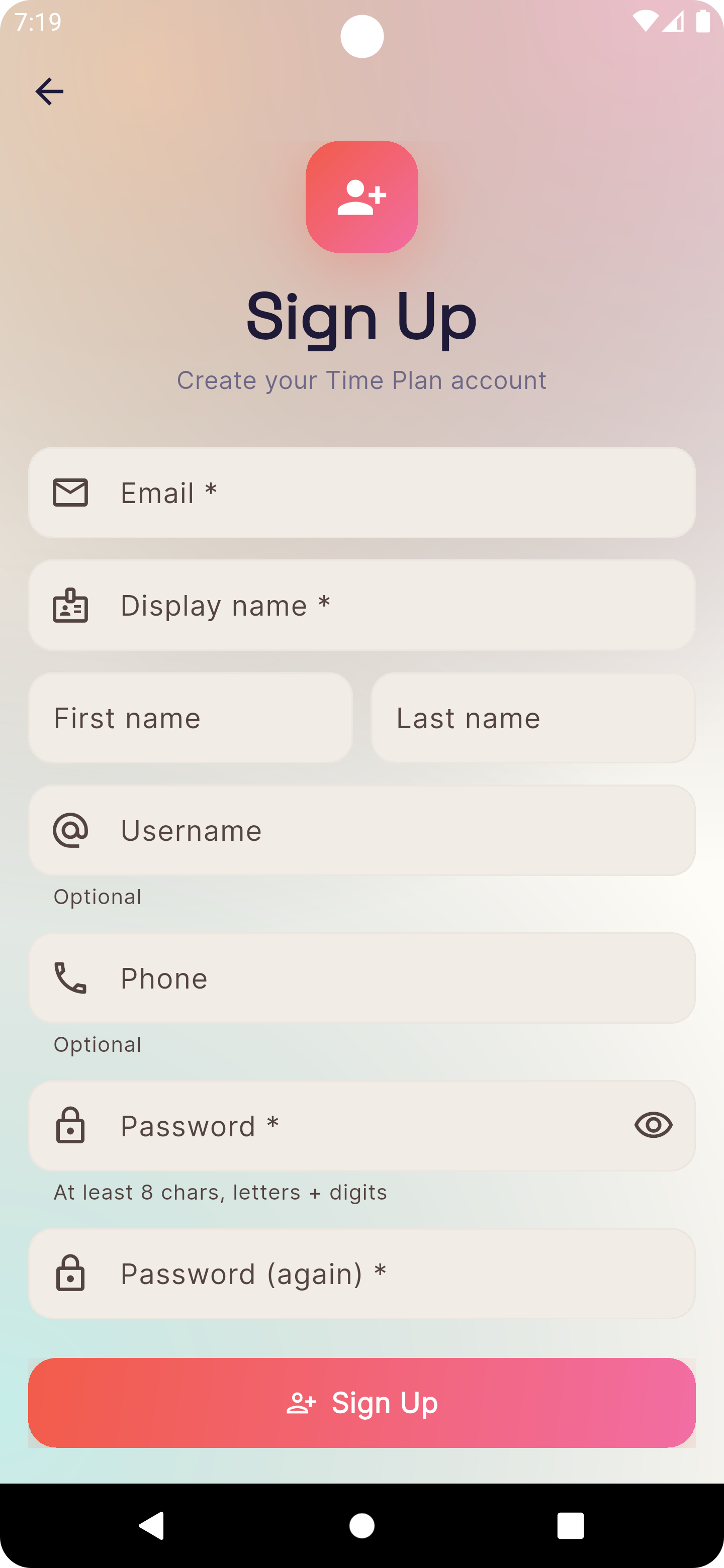
Create your new Time Plan account in seconds with our streamlined sign-up process.
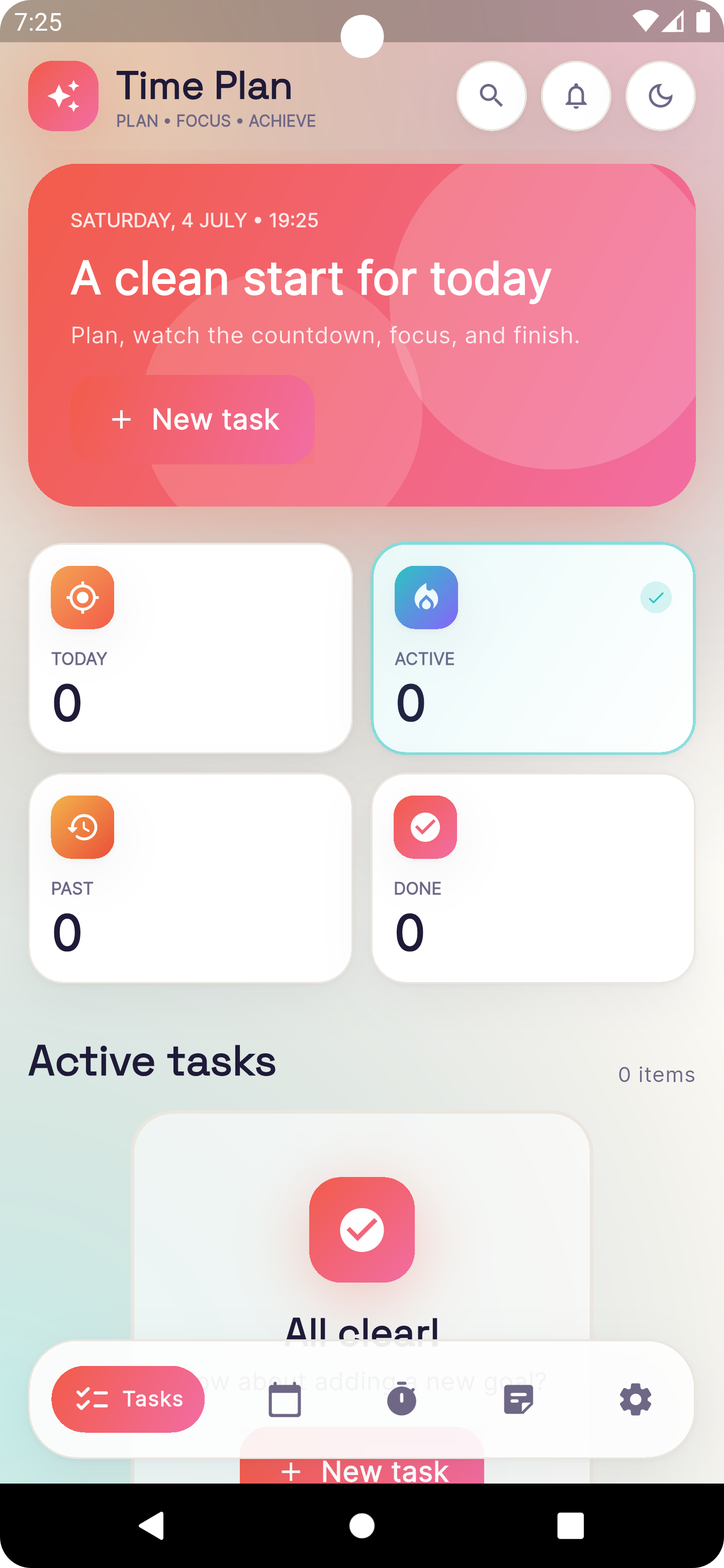
A clean start for today with quick access to your active, past, and completed tasks.
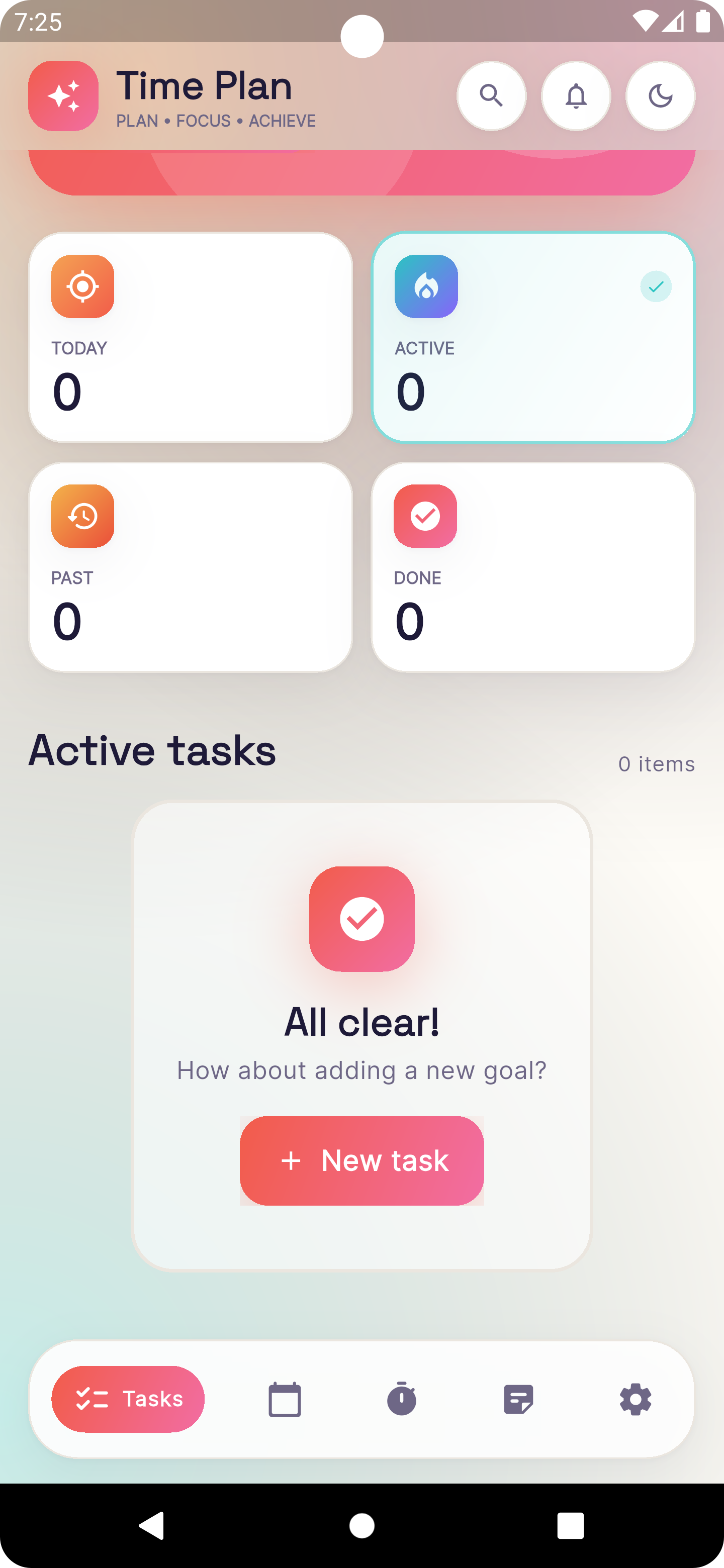
Easily manage your daily workflow and organize all your upcoming goals.
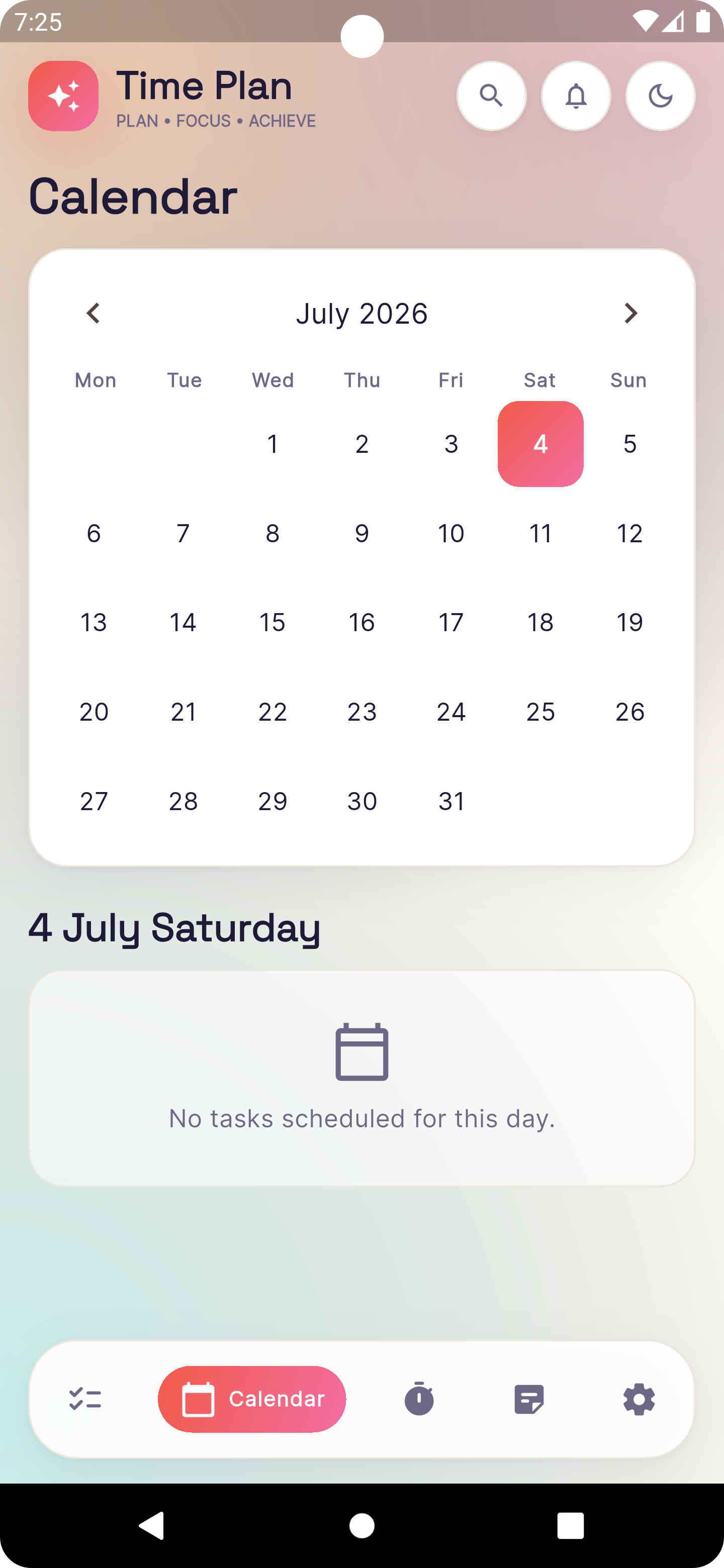
Keep track of your scheduled tasks and important deadlines on a monthly calendar.
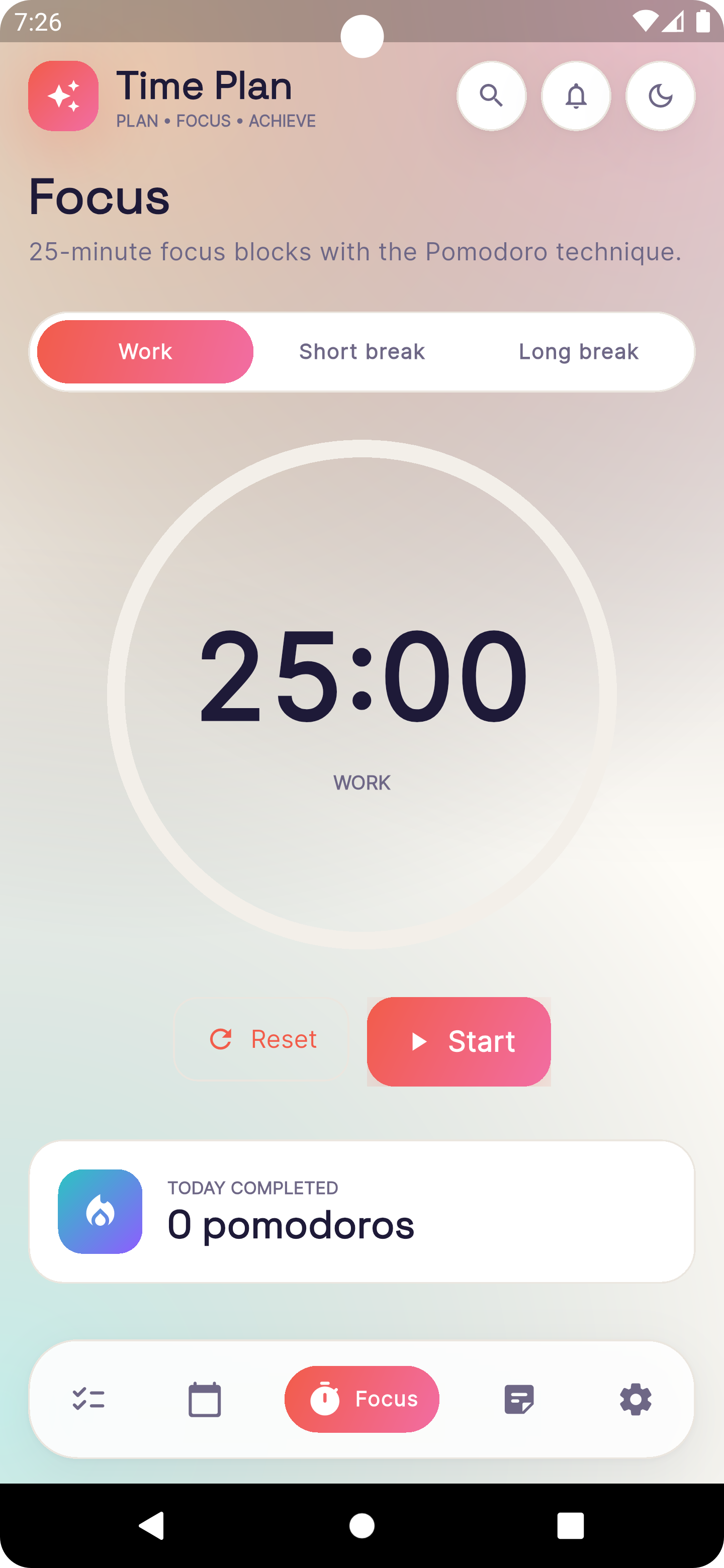
Boost productivity using 25-minute focus blocks with short and long break intervals.
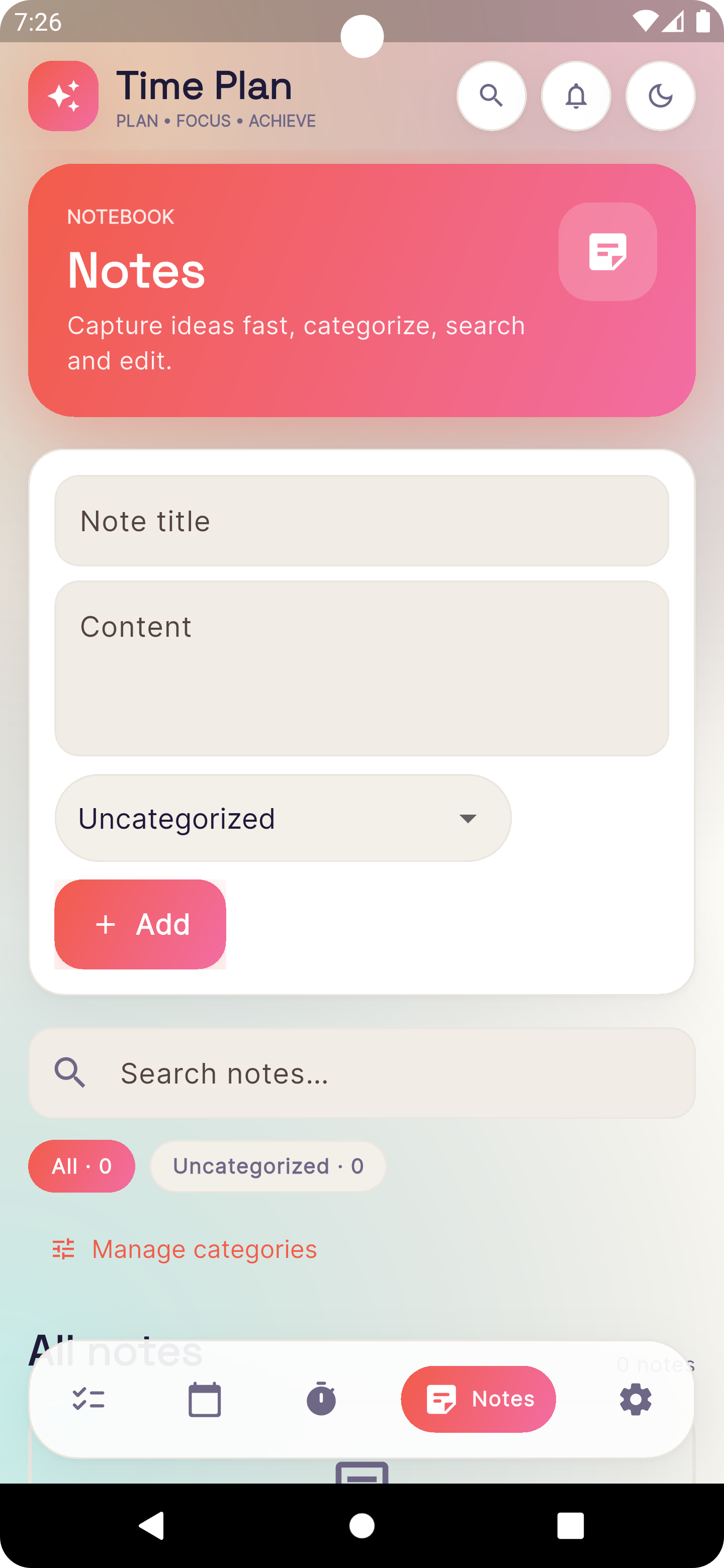
Capture ideas fast, categorize them, and search through your personal notes anytime.
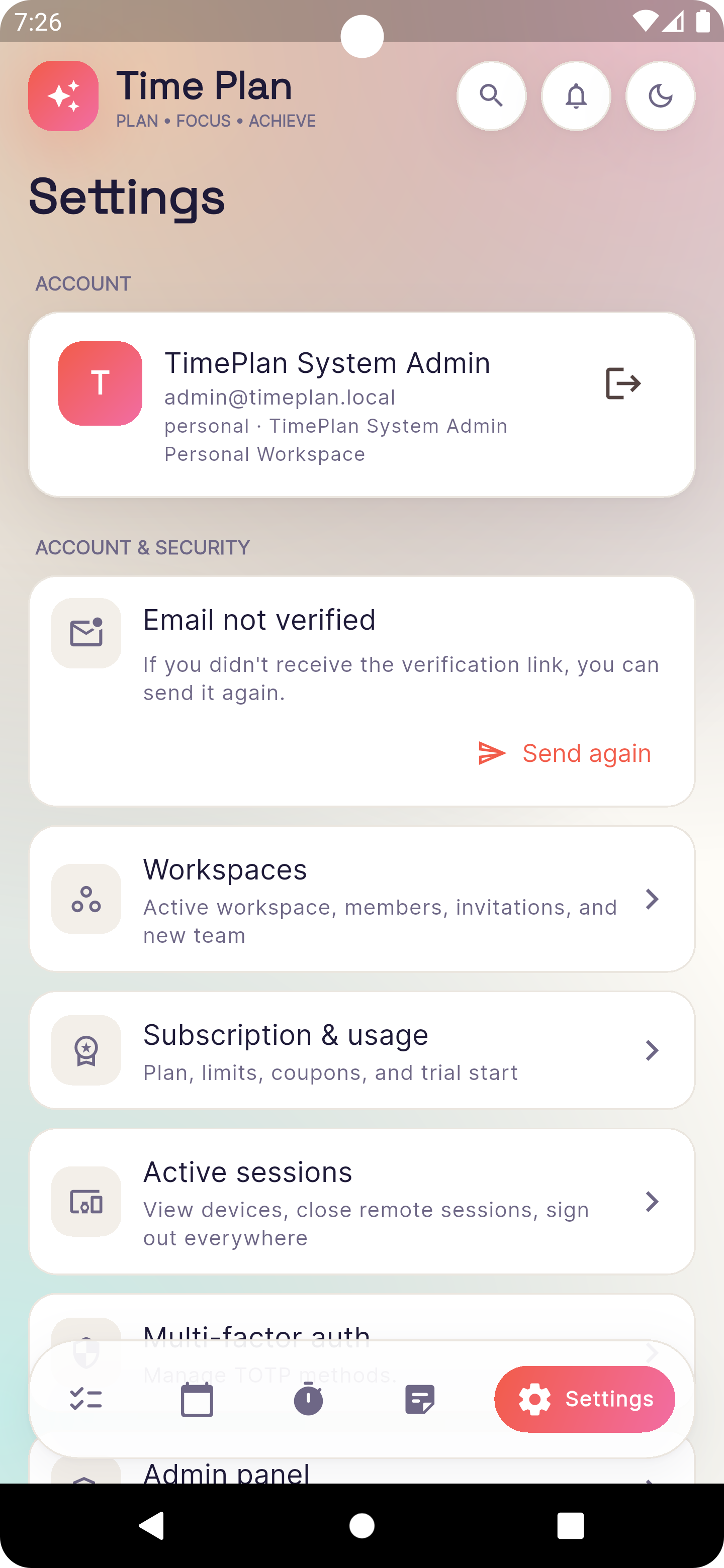
Manage your profile, active workspaces, security options, and subscription details.
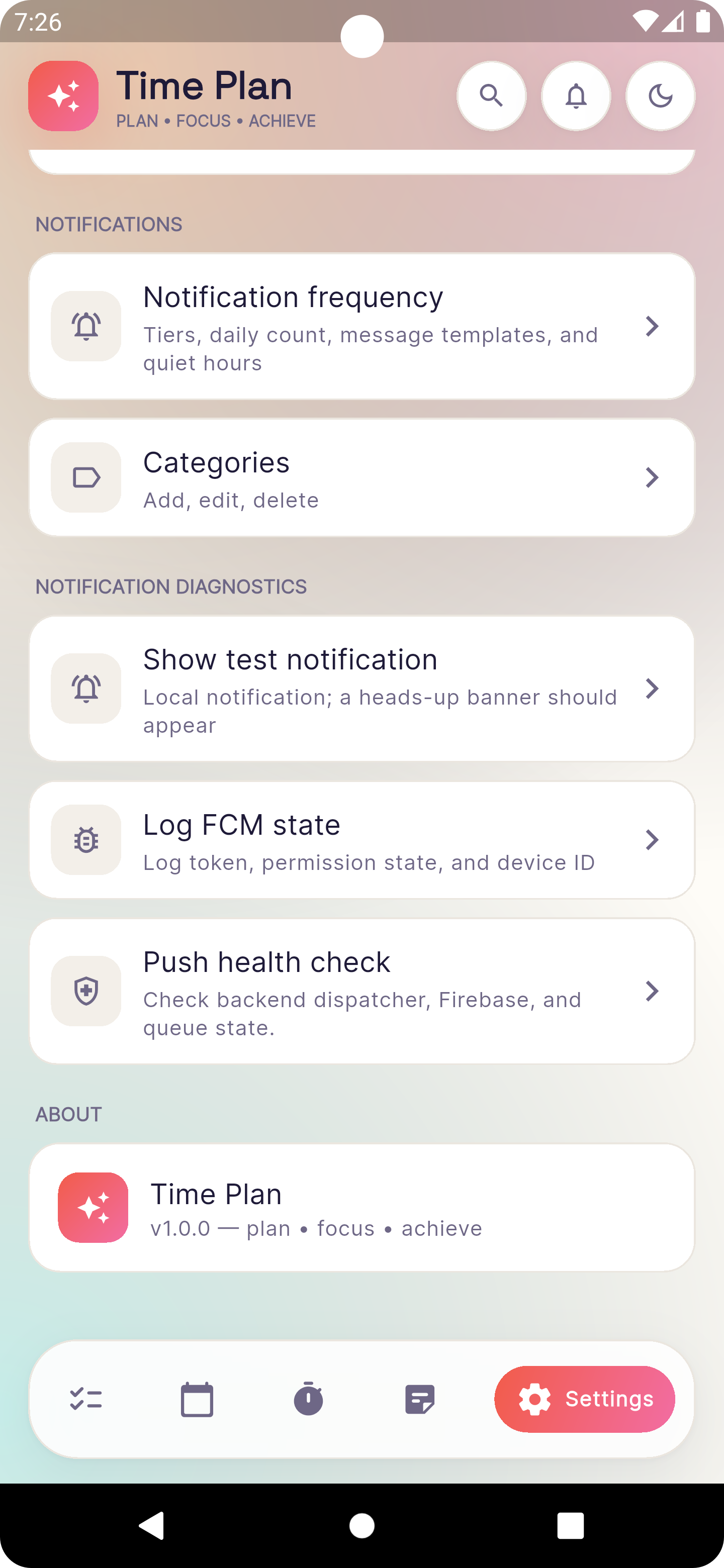
Fine-tune your notification frequency, categorize alerts, and manage push settings.
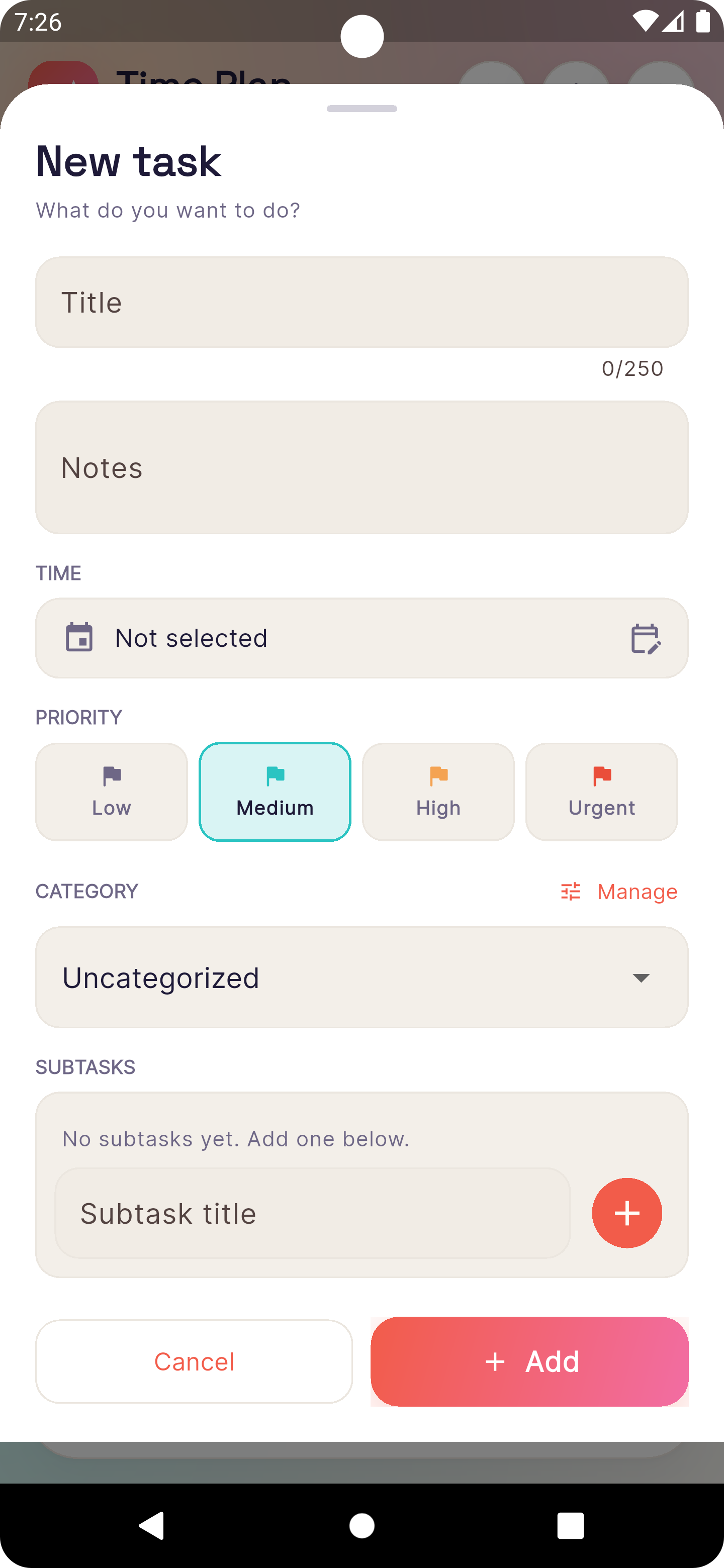
Quickly add task titles, subtasks, priority levels, and schedules effortlessly.
Product overview
Time Plan organizes tasks, notes, reminders, and team workspaces. It supports personal workspaces, team workspaces, recurring deadlines, categories, tags, focus sessions, in-app notifications, push notifications, and subscription limits.
Create one-time or recurring tasks, assign due dates, add subtasks, categorize work, and track completion.
Use timezone-aware recurrence rules to keep repeated deadlines aligned with the user's local time.
Users can choose reminder channels, quiet hours, reminder tiers, and task-level notification behavior.
Keep personal notes, task notes, team workspaces, member roles, invitations, and workspace-specific settings.
Email transparency
Time Plan email is tied to user action, account safety, workspace collaboration, or user-configured reminders. Time Plan does not send cold outreach or promotional bulk mail.
| Message type | Why it is sent | Recipient source | Frequency and controls |
|---|---|---|---|
| Account verification | Confirm that a new user controls the email address used for registration. | Email entered by the user during sign-up. | Triggered by registration or resend request. Security-related and not used for marketing. |
| Password reset | Let a user recover access after requesting a reset token. | Email already associated with the user account. | Sent only after a reset request. Tokens expire and sessions are revoked after reset. |
| Workspace invitation | Invite a person to a team workspace with owner, admin, or member role. | Email typed by an existing workspace owner/admin. | One invitation per action. The invite can be ignored, accepted, revoked, or cancelled. |
| Task reminder email | Send reminders for tasks when the user enables the email channel or task reminder rules. | Registered user or configured task recipient connected to a workspace. | Controlled globally, by workspace, by task, by quiet hours, and by task-specific reminder tiers. |
| Billing and service notice | Send account, plan, coupon, subscription, and operational notices. | Registered account owner or billing contact. | Transactional account notices only. Promotional campaigns are not part of the SES request. |
Consent and recipient source
Recipient addresses enter Time Plan only through first-party product interactions: account registration, workspace invitation, user profile settings, notification preferences, billing relationships, or support requests. Time Plan does not import purchased lists, rent lists, scrape addresses, or send third-party co-registration campaigns.
The production access request should be submitted as Transactional. The website URL should point to this live site so AWS can inspect the product, policies, email types, recipient sources, and bounce/complaint process.
Open detailed SES use caseOperational safeguards
Verify the sending domain in Amazon SES, enable Easy DKIM, publish SPF for custom MAIL FROM if used, and publish a DMARC record for the domain.
Use SES configuration sets, event publishing, CloudWatch alarms, and suppression lists for bounce, complaint, delivery, reject, and unsubscribe events.
Give users global, workspace, and task-level notification controls. Include unsubscribe links for optional reminder or digest topics where applicable.
Rate-limit authentication flows, avoid bulk imports, validate email syntax, keep audit logs, and stop sending immediately to bounced or complained addresses.
Sample transactional subjects
Sent after account registration or user-requested verification resend.
Sent after the user requests password recovery from the login screen.
Sent when an authenticated workspace member invites the recipient.
Sent only when reminder email is enabled for the user or task.
Public policies
These pages should remain publicly accessible from the production website used in the Amazon SES production access request.